Mailflow LogoMailflow

AI-Drafted Replies
in Your Gmail Inbox

Every morning, find expert responses ready to review and send — written by AI trained on your company data.

Launching soon
Gmail1 min setup with Gmail

Features

Spend less time writing, more time growing

Every feature is designed around one goal: get expert replies out the door faster.

Never miss a customer email

AI drafts accurate replies to every incoming email, so no message sits unanswered.

Zero context switching

Drafts appear right in Gmail — no new app to learn, no tabs to juggle.

Answers grounded in your data

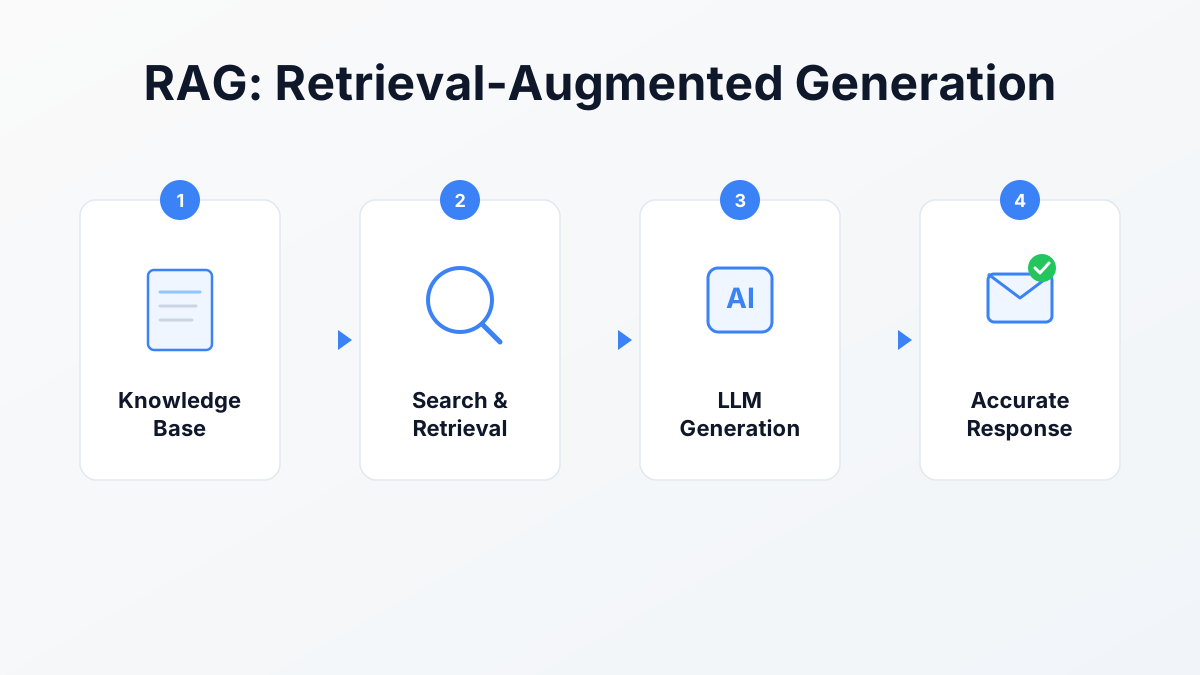
Learns from your files, website, FAQs, and past conversations — not generic AI guesses.

Sounds like you, not a robot

Drafts use your own signature and quote the original email — so replies feel personal, not templated.

Enterprise-grade security

GDPR compliant, CASA Tier 2 Certified, TLS encryption in transit and at rest. No raw email content stored on our servers.

How it works

Up and running in minutes

Three steps to never start from a blank email again.

1
Sign in with Google
Connected

Link your Gmail

One-click Google sign-in. You're set up in under a minute.

2
product-guide.pdf
yoursite.com/faq
Custom Q&A pairs

Add your knowledge

Upload files, link your website, or add FAQs. Mailflow learns your business.

3
Inbox
RS
Roger SmithDraft

Thank you for your interest. The AdventurePro...

Find drafts ready to send

Open Gmail and find AI-drafted replies waiting for your review.

Smart Rules

Automate with intelligent rules

Create custom rules to handle different types of emails automatically. Match conditions like sender, labels, or AI-detected intent, then choose actions like AI responses, canned replies, or auto-archive.

Flexible Conditions

Filter by sender, domain, subject, labels, or AI classification

Powerful Actions

AI replies, canned responses, ignore, archive, or apply labels

IfEmail from support@example.com
ThenAuto-reply with canned response
IfEmail has label 'VIP'
ThenGenerate AI response with priority tone
IfFirst message in thread
ThenDraft personalized welcome reply
IfAI detects sales inquiry
ThenUse sales-focused prompt

Frequently Asked Questions

Everything you need to know about Mailflow